Fixing Missing Background Images After Migration
After a migration is complete and the migrated site is launched at colorado.edu, you may notice background images are missing from layout sections.
If this is the case on your site, don't worry - the background images are still there, the layout just needs to be updated.
Here's an example of how that might look on your site:

To fix this issue:
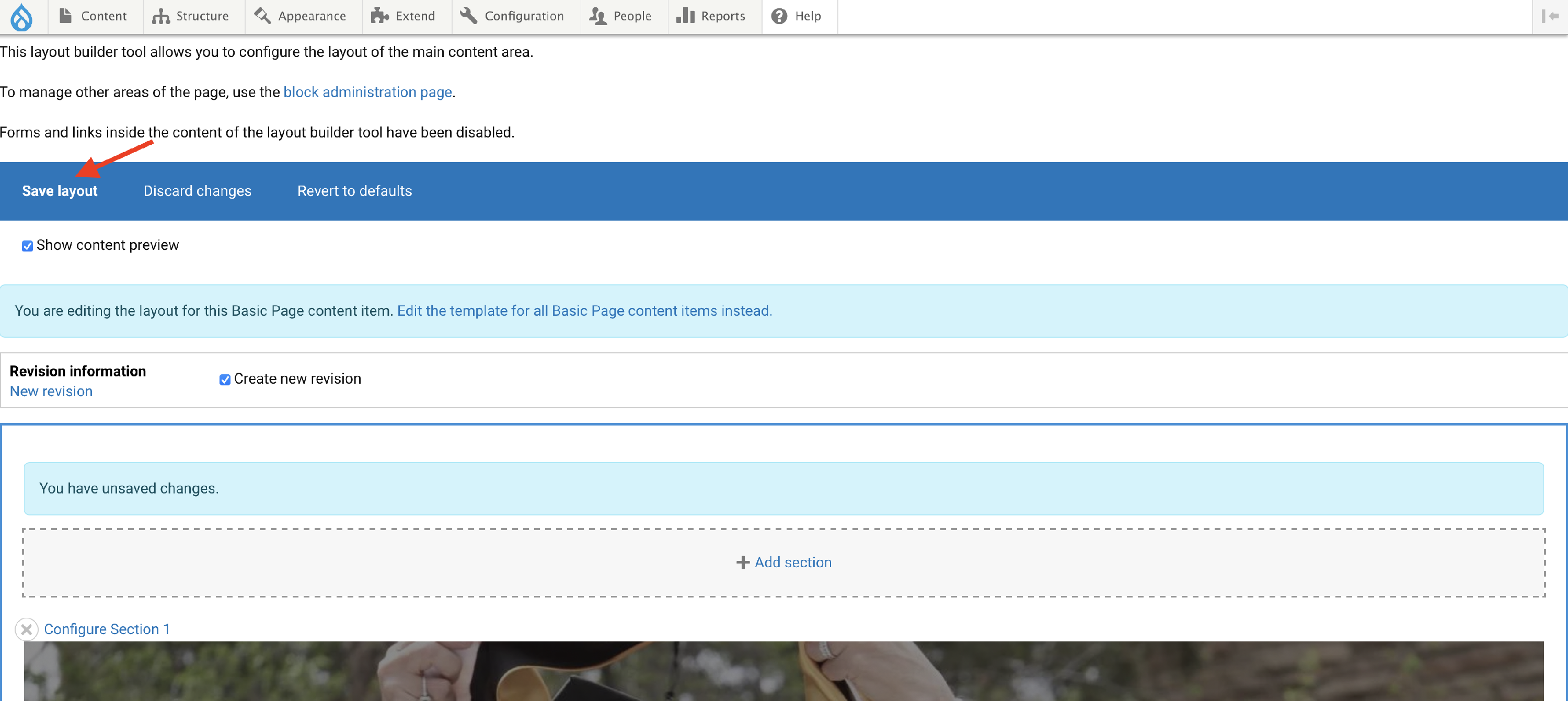
- Edit the layout of the page by clicking the Layout link in the blue bar
-
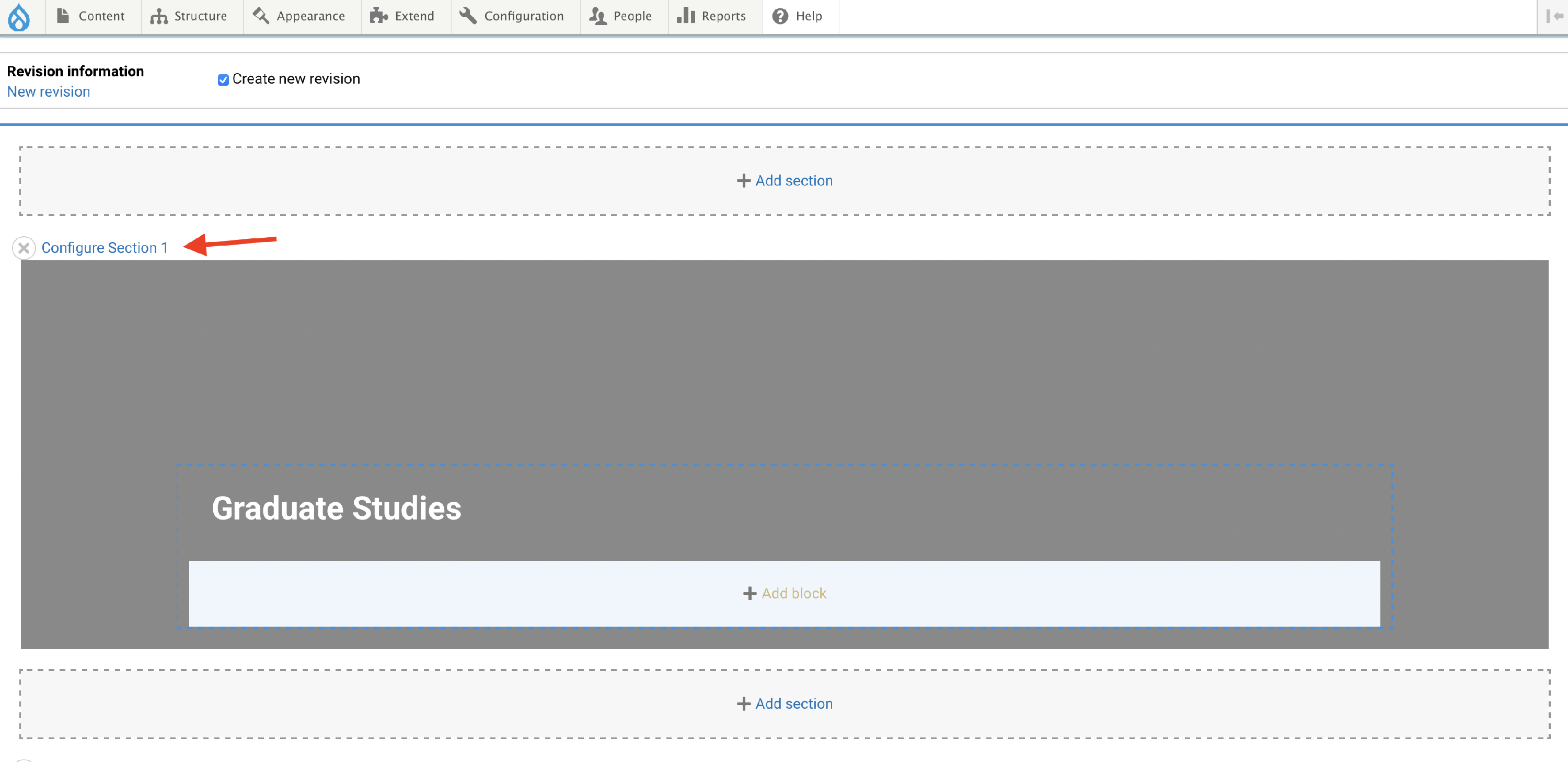
Click the configure link for the section where the background image is missing
-
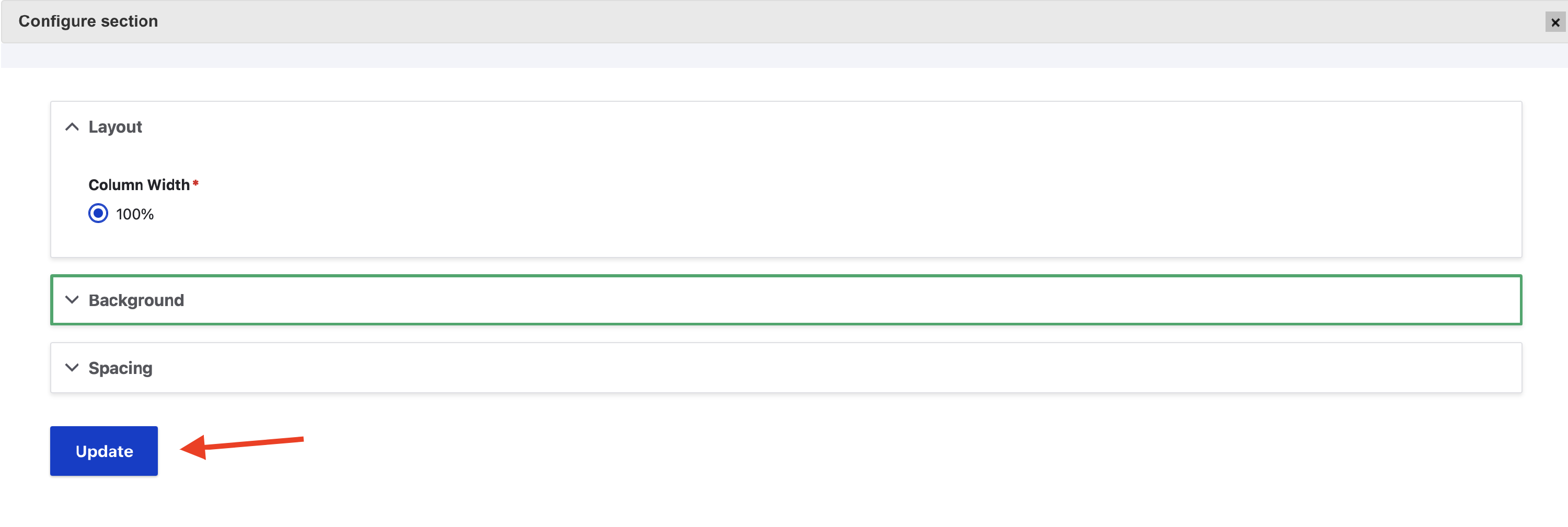
Click the update button
-
Save the layout