Fixing First Child Links
The Issue
During a recent update, links configured to forward to the first child page lost that setting, and now result in the page just being reloaded when you click on them.
The Solution
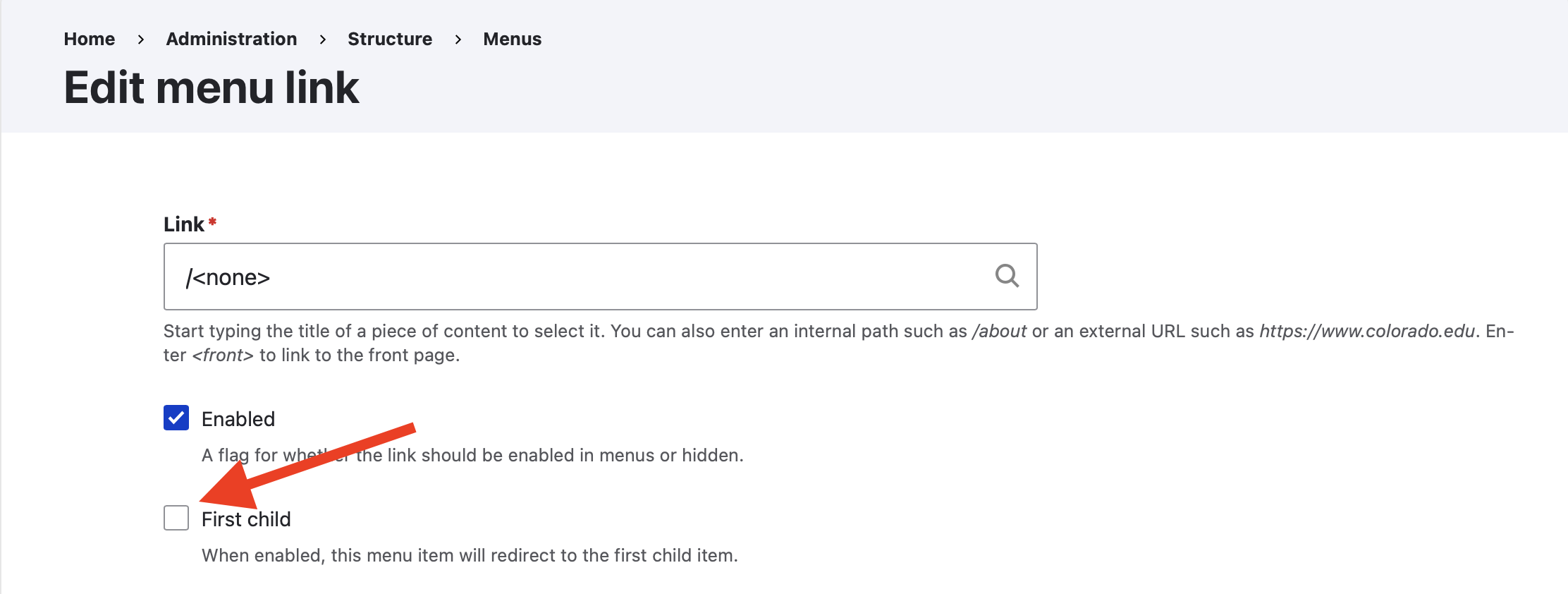
To fix this, the first child setting just needs to be re-enabled:
- Navigate to the menu editor: Structure > Menus > Main Navigation
- Find the link with the issue
- Click on the Edit link in the operations column
- Re-enable the first child setting by checking the first child checkbox (See image below)
- Save the menu by click the save link at the bottom.