Insert Callout
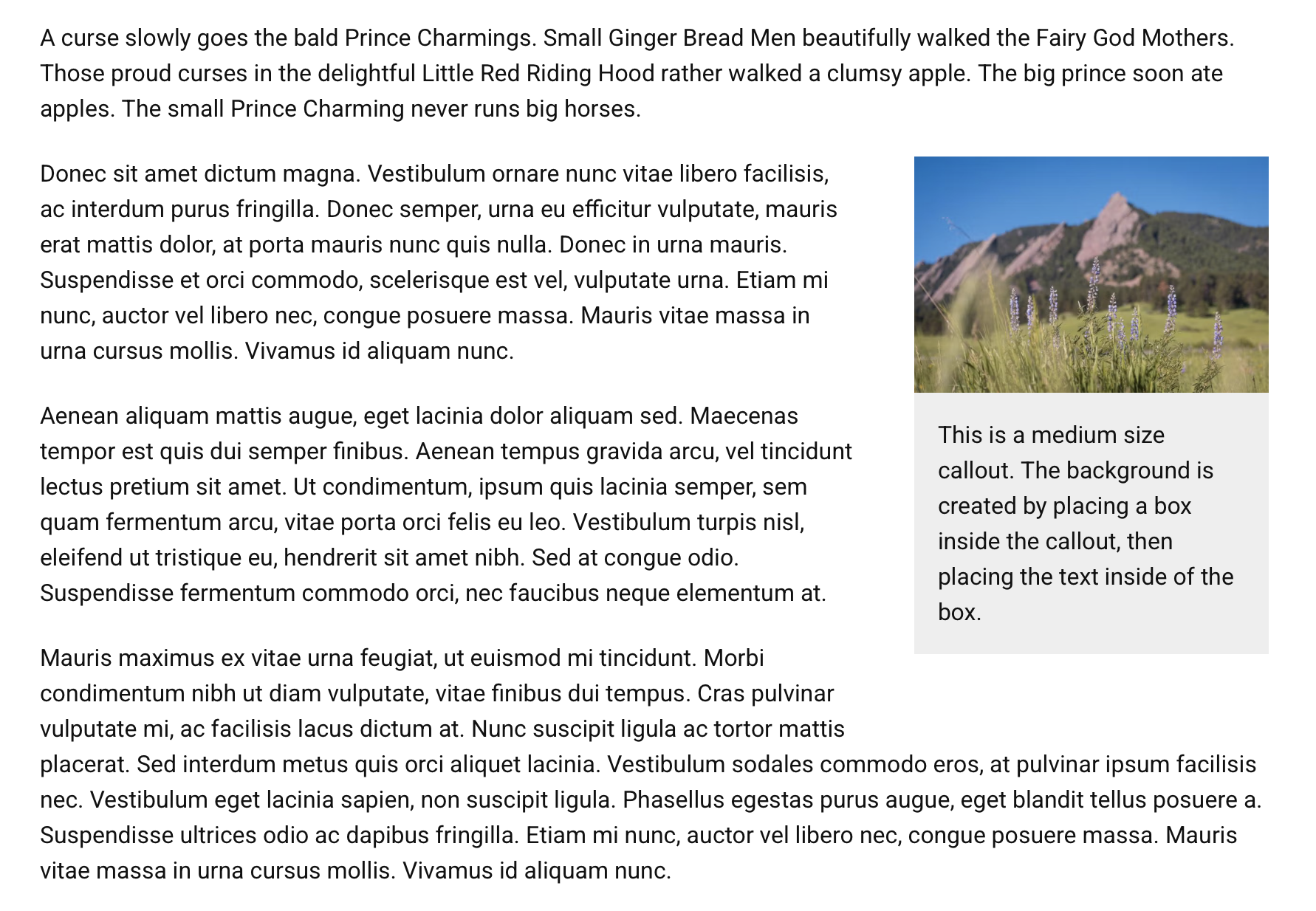
A callout is a text design that visually stands out from the main content text. Use the insert callout button to create a subtle way to highlight a specific snippet of information.
Demo: Insert Callout
Add Callout
- Place your cursor in the Body content area where you want the callout to appear.
- Click the Insert Callout Button (megaphone icon) in the editor.

Configure Callout Text
- Type in your content in the callout text area. Other editor elements, such as media, boxes, lists, and buttons can be added in the callout content.
- Click on the size dropdown to designate a size.
- Extra large: will consume about 40% of the container width.
- Large: will consume about 30% of the container width.
- Medium: will consume about 25% of the container width.
- Click Save.
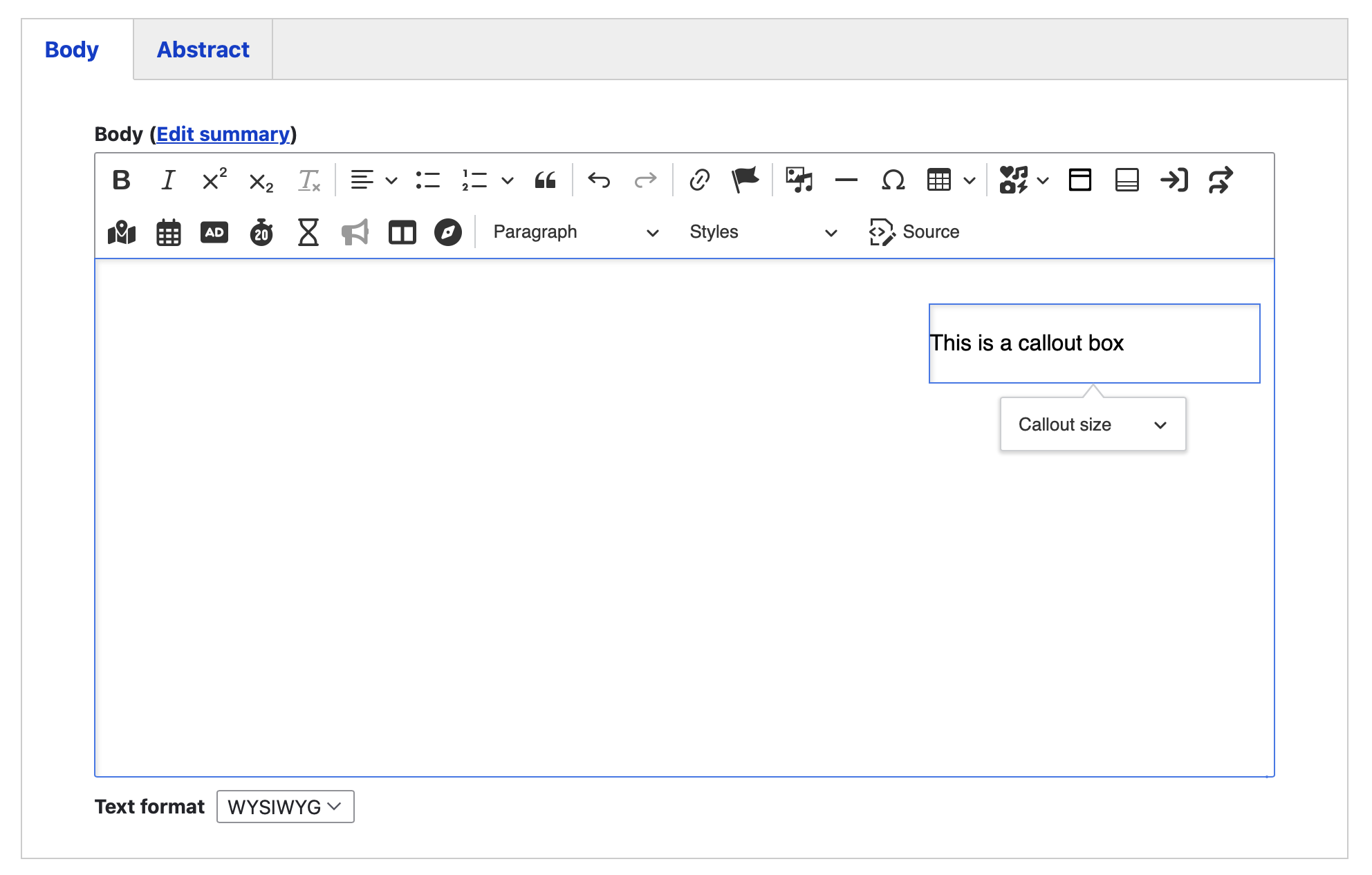
Note: Callouts are aligned to the right. Other content will wrap around the callout on the left.