Newsletter Archive
A newsletter archive can be created by placing a newsletter list block onto a basic page. The block allows you to specify the newsletter type and how many newsletters to display. A link to a full list of newsletters is added at the bottom. Only one newsletter type can be displayed within the block.
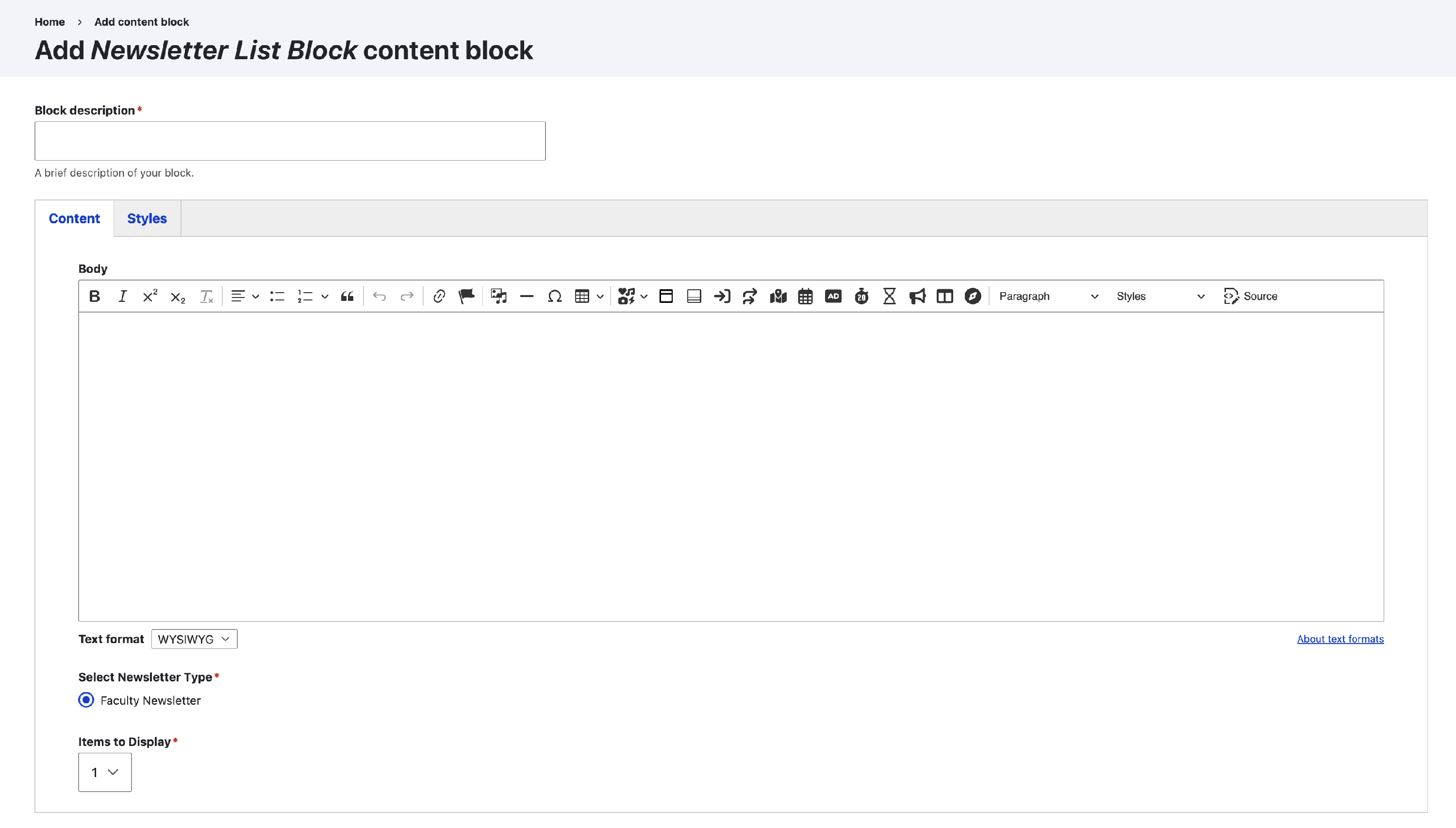
Steps to create a newsletter archive
- Create a basic page
- Edit the page's layout
- Add a Newsletter List Block to a section
- Choose the newsletter type
- Choose how many newsletters to display in the block
- Save the layout
- Add additional newsletter blocks if your site has additional newsletter types (optional)